
Aimbot
Two aim keys, configurable targeting, prediction and FOV visuals.
- Enable Aimbot
- First Aim Keybind
- Second Aim Keybind
- Activation Type: Always / On Hold
- Aim At: Players / Bots / Teammates
ESHub provides premium undetected game softwares, DMA Hardware, ESP, Aimbot, and HWID spoofers for popular PC titles including Apex Legends, Arena Breakout Infinite, ARC Raiders, Escape from Tarkov, Fortnite, Rust, Rainbow Six Siege, and more. Our solutions are secure, frequently updated, and designed to stay undetected.
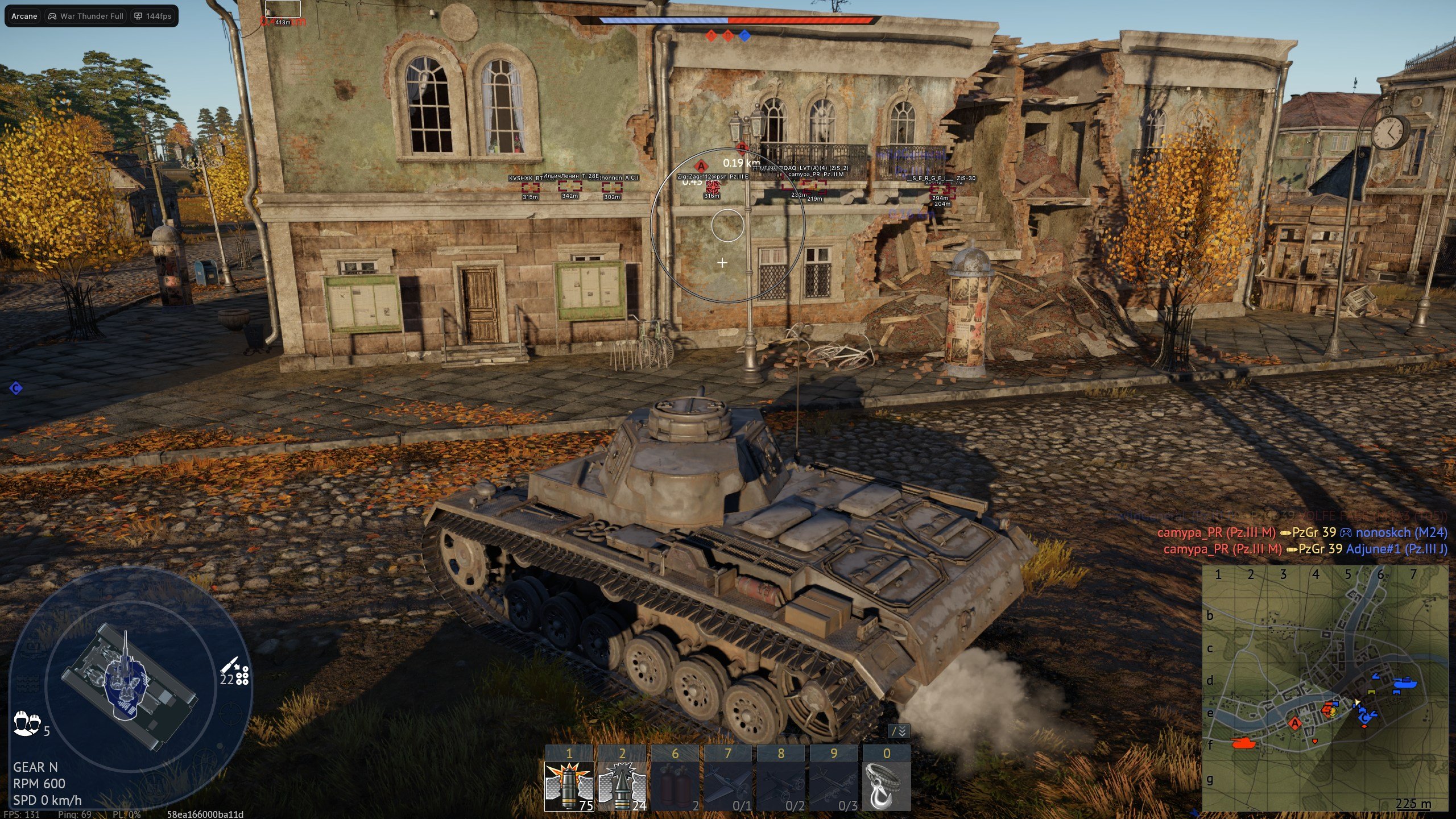
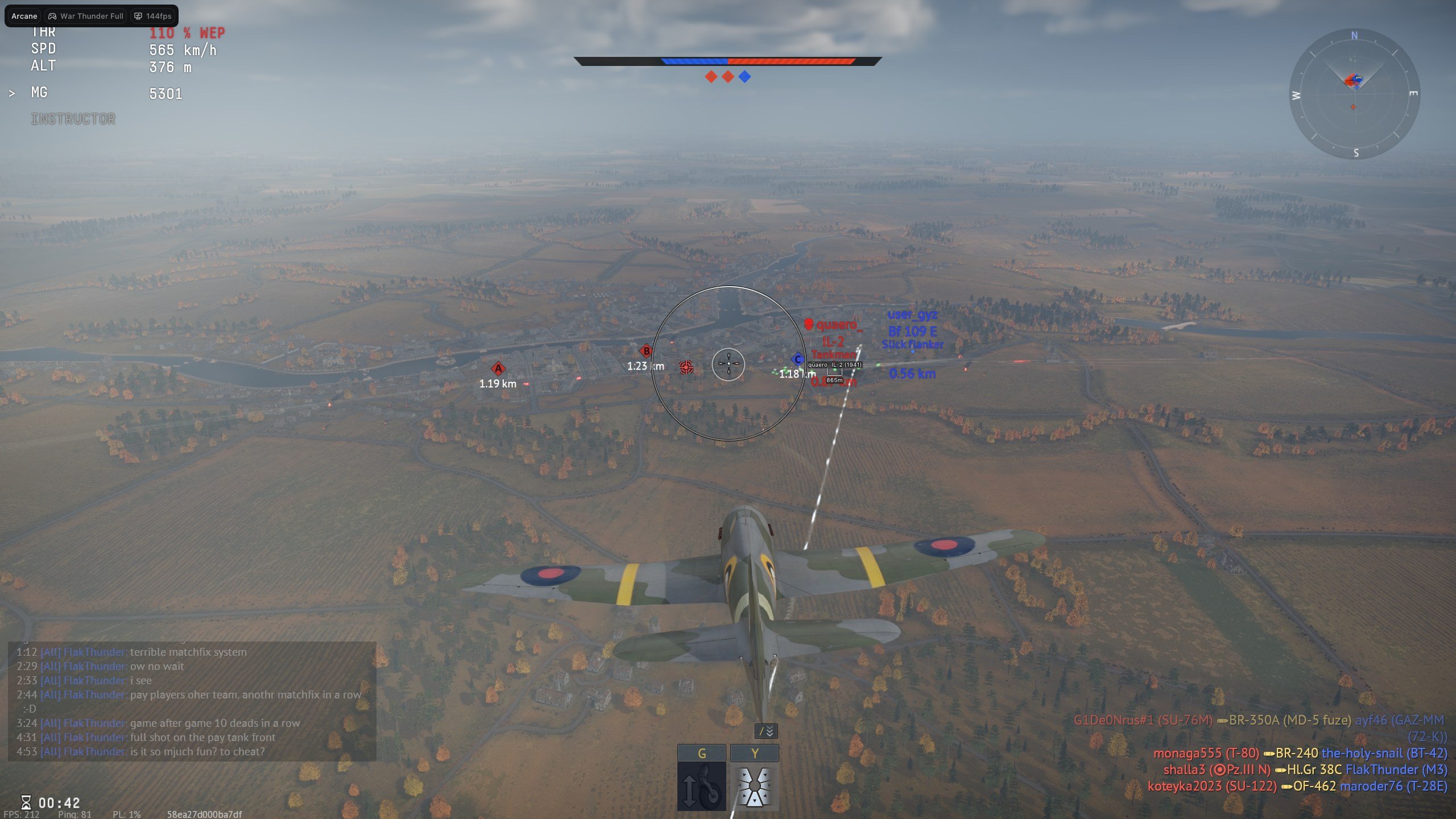
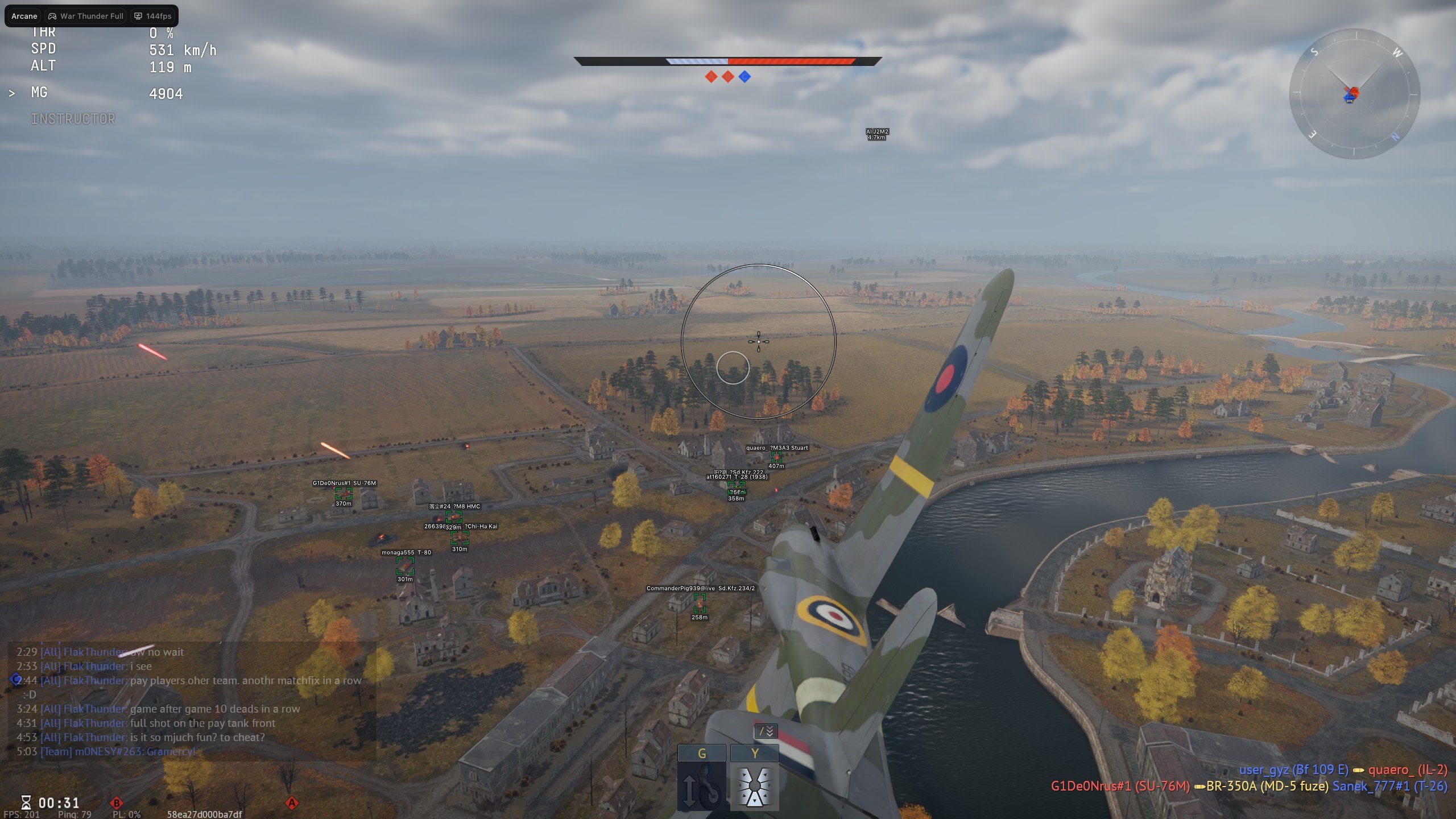
Customizable aimbot with movement prediction, tank and plane ESP, detailed tank component glow, a static crosshair, shared configs and adjustable interface settings.
Expand each category to view the complete feature set.
Two aim keys, configurable targeting, prediction and FOV visuals.
Tank markers, visibility checks and individual component glow.
Aircraft labels, boxes, distance and teammate or bot filters.
A simple on-screen aiming reference.
Create and manage presets, or share them with friends using a unique key.
Adjust menu controls, appearance, display and language.
Intel / AMD
Windows 10 / Windows 11
Borderless / Windowed
Not included
Steam
Steam
All GPUs
Not required
Microsoft Visual C++ Redistributable (x64)
Run as Administrator; launch Steam without administrator rights
Discord or Medal overlay required; use one at a time
Windows Defender and SmartScreen disabled; third-party antivirus removed
FACEIT and Vanguard removed if installed
Disabled as directed in the setup guide
Removed before running the software
Disabled, including Memory Integrity
Restart your PC after preparation and before loading
Configure aiming with two separate aim keys, target movement prediction, visibility checks, smoothing and adjustable FOV visuals. Tank and plane ESP provide vehicle and player information, while tank glow highlights individual crew members and vehicle components.
Complete the Arcane setup guide and restart your PC before launching. Download the Arcane loader, run it as Administrator and reopen it after any loader update. Enter your license key and follow the loader prompts. Once loading succeeds and the loader closes, launch War Thunder through Steam in Borderless or Windowed mode.
Enable either Discord or Medal overlay for the menu to display and respond, and avoid running both together. The shared setup guide lists Home or Insert to open the menu and End to unload. Menu and unload keybinds can be customized in Settings.
Create, load, save, rename and remove configurations. Share a config with friends using its unique key, or use Get Shared to retrieve one. Settings include DPI scaling, VSync, Dark and Light themes, a watermark and English, Russian or Chinese language options.
A spoofer is not included with this product. The supplied requirements list Intel and AMD processors, all GPUs, Windows 10 and Windows 11, and the Steam client and launcher. A USB flash drive is not required.
Open a ticket in ESHub Discord. Include your error screenshot and the setup step you reached.