
Security
Listed anti-cheat bypass, spoofing, screenshot and alert features.
- BattlEye Anti-Cheat Bypass + Spoofer
- Viking Anti-Cheat Bypass + Spoofer
- Player Report / Anti-Cheat Violation Alerts
- Viking Screenshot Bypass
ESHub provides premium undetected game softwares, DMA Hardware, ESP, Aimbot, and HWID spoofers for popular PC titles including Apex Legends, Arena Breakout Infinite, ARC Raiders, Escape from Tarkov, Fortnite, Rust, Rainbow Six Siege, and more. Our solutions are secure, frequently updated, and designed to stay undetected.
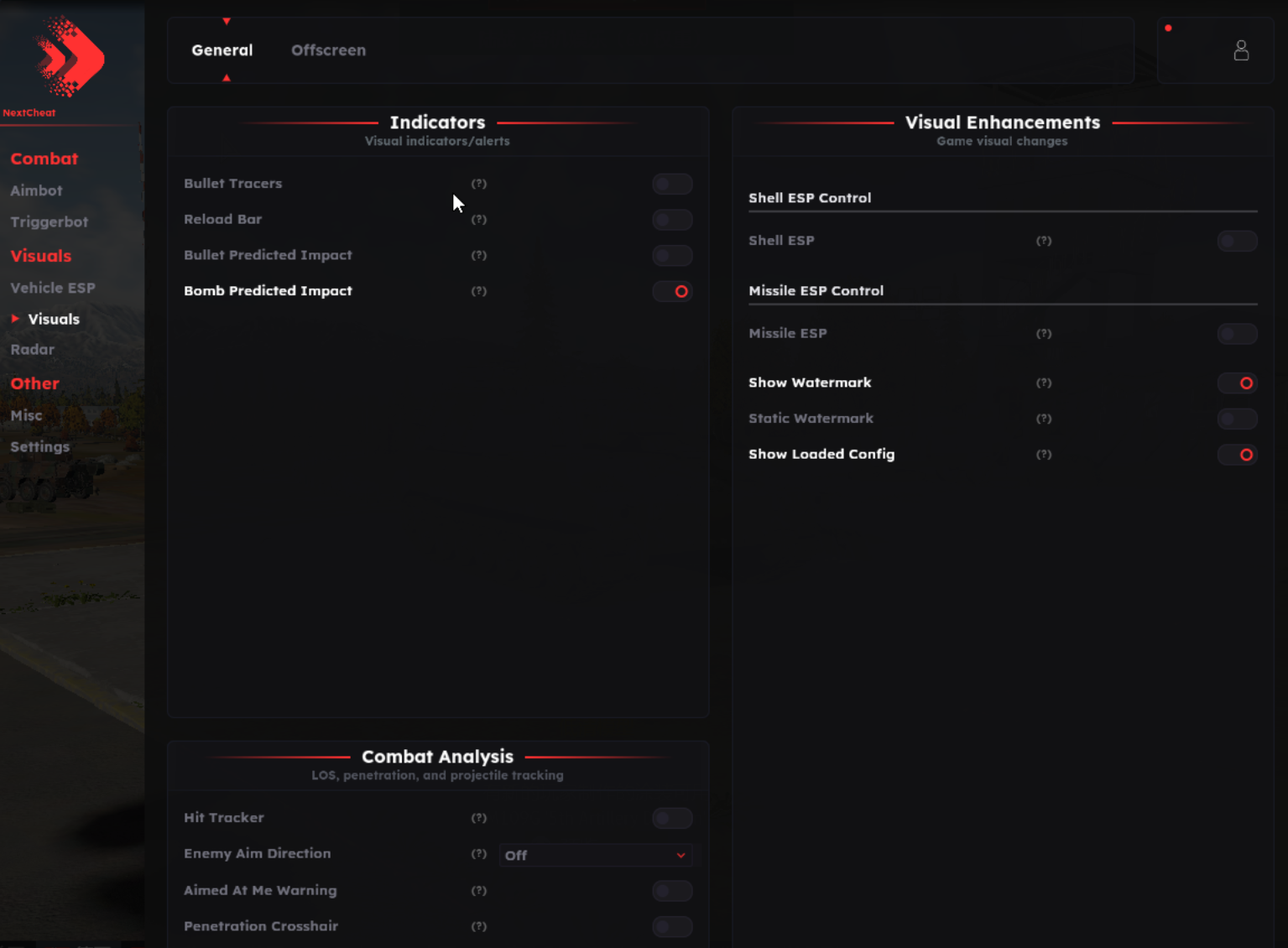
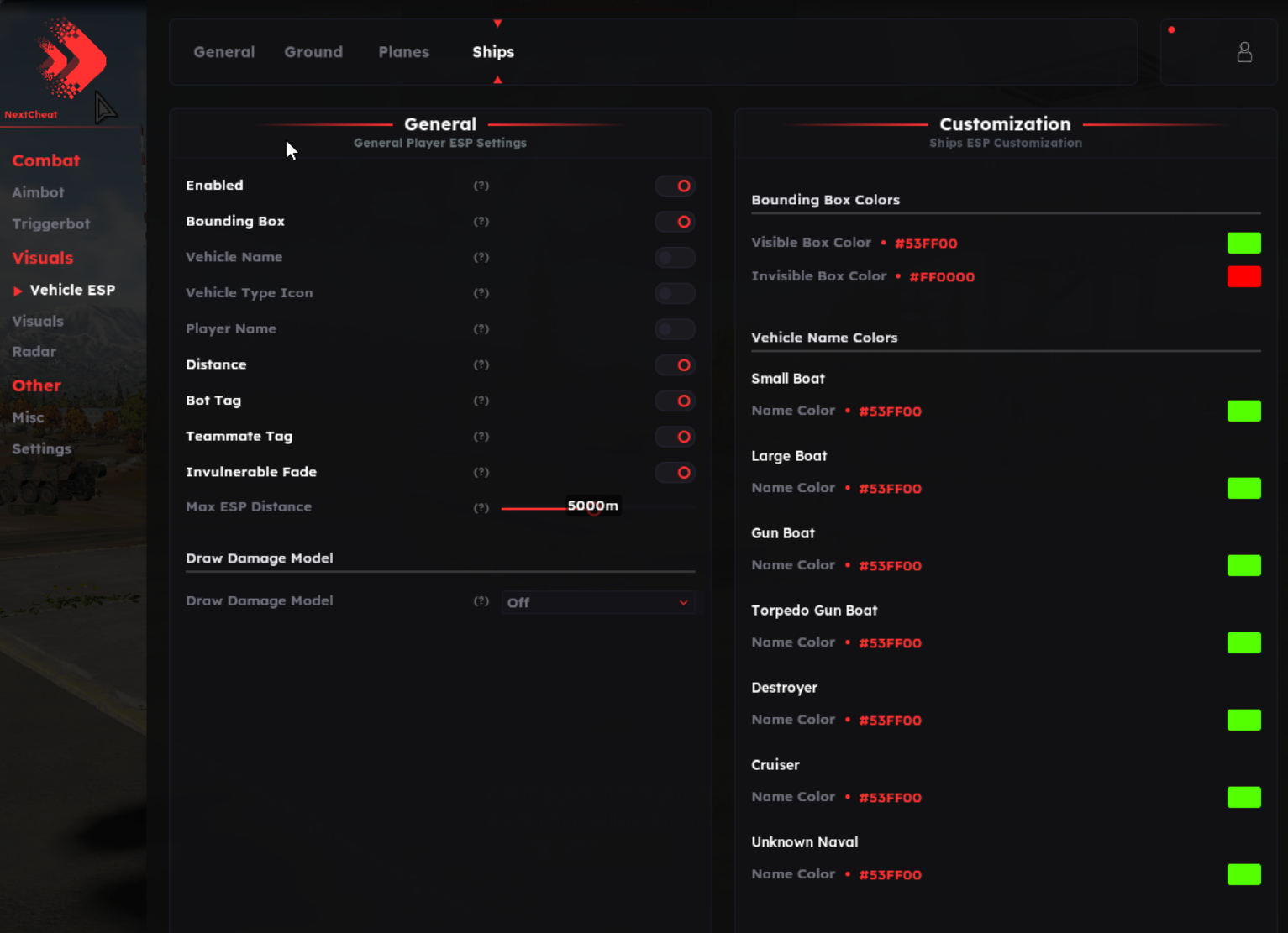
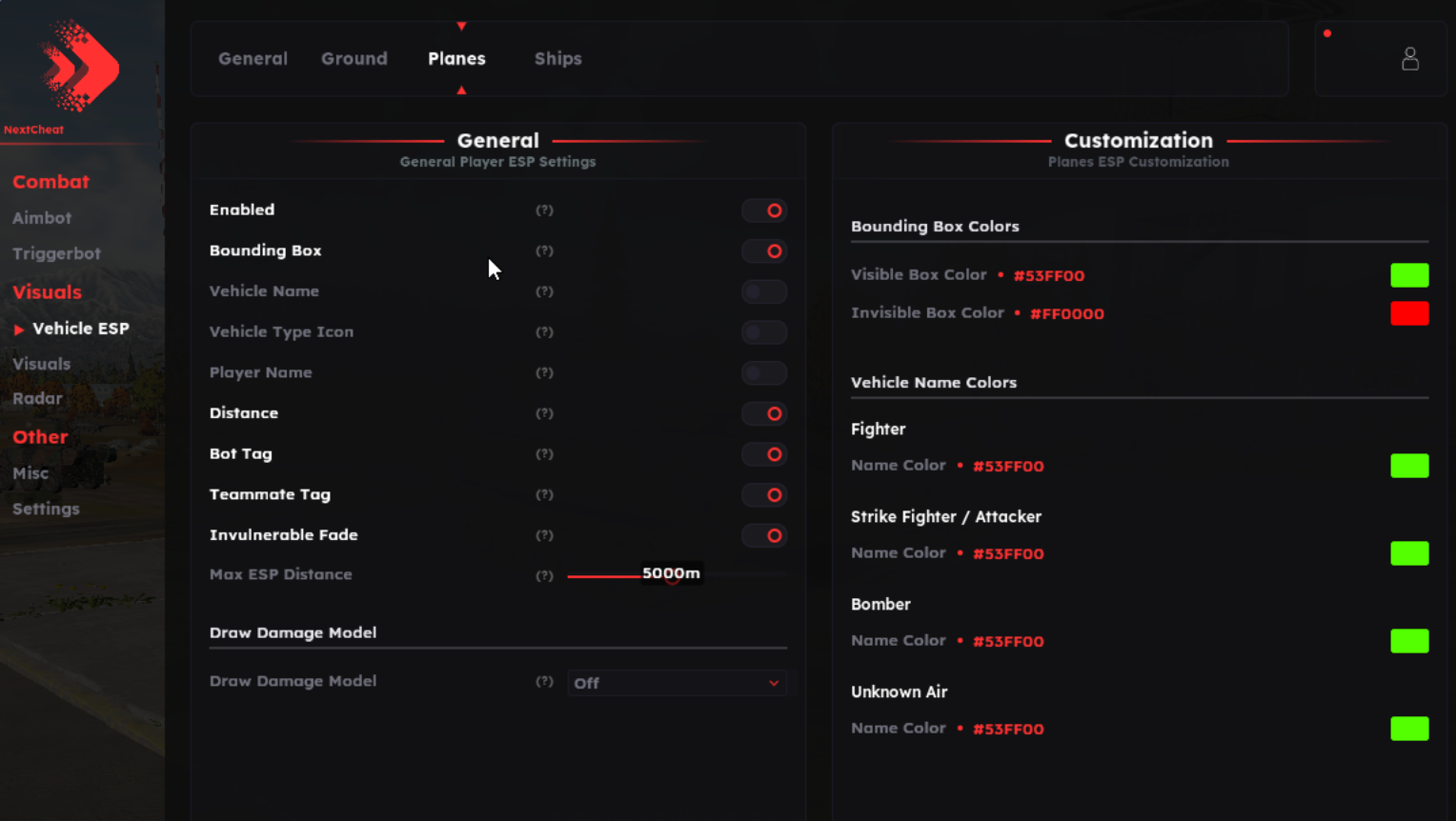
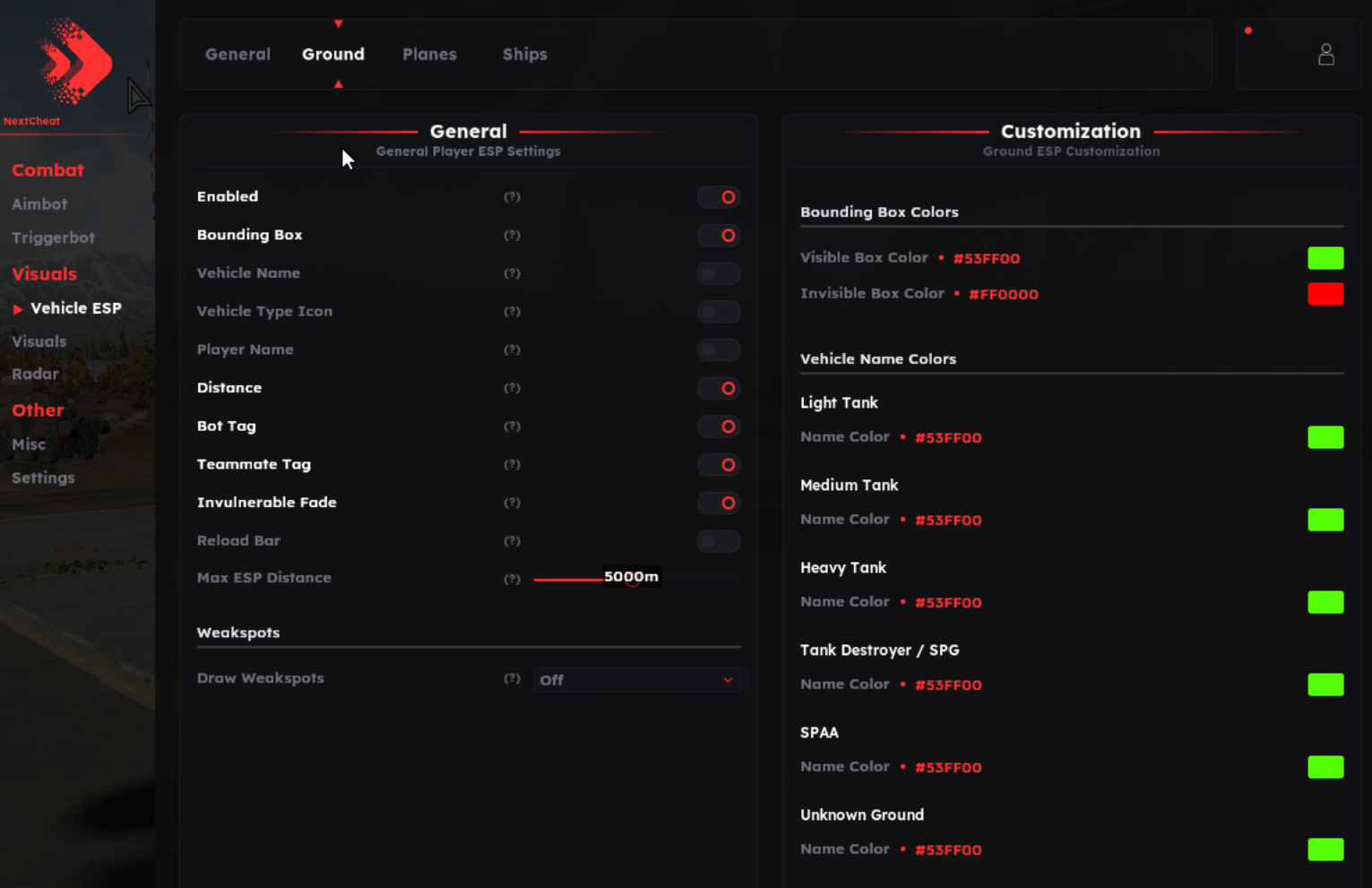
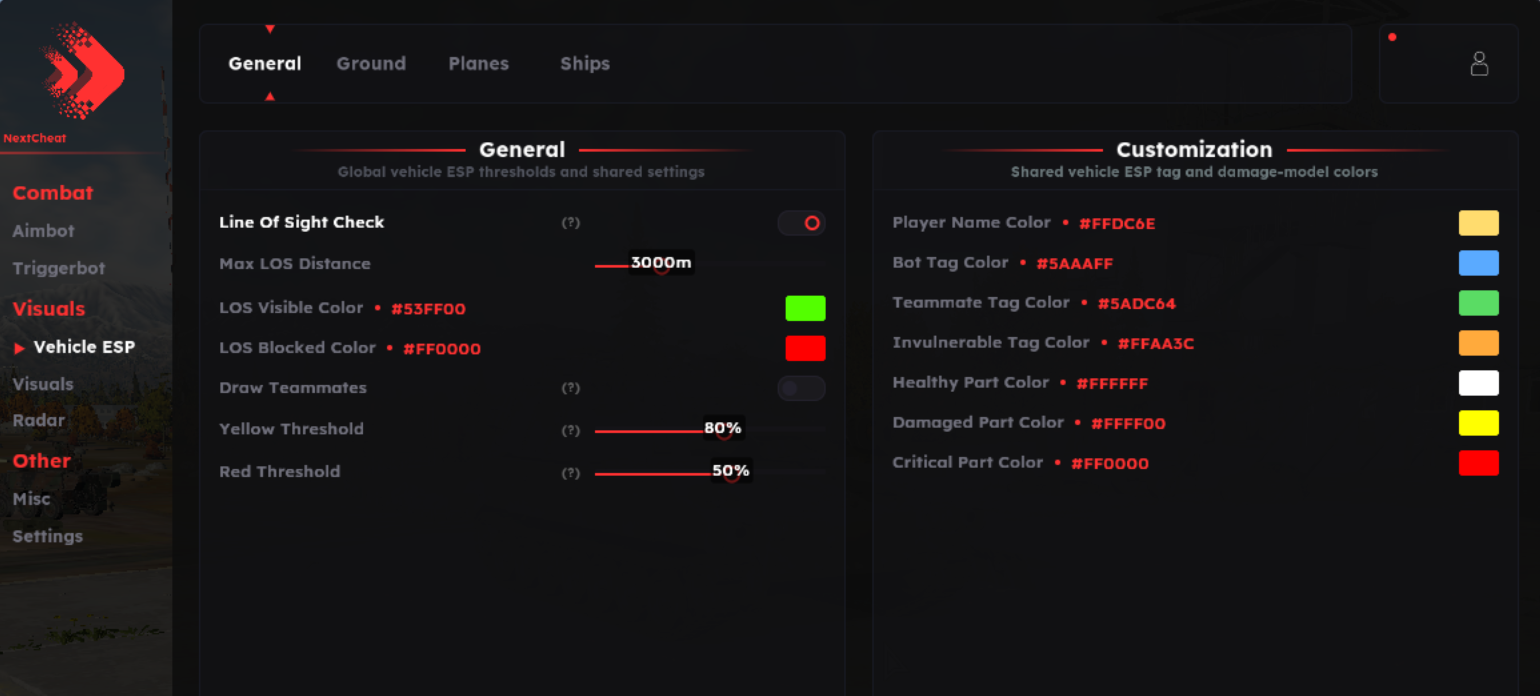
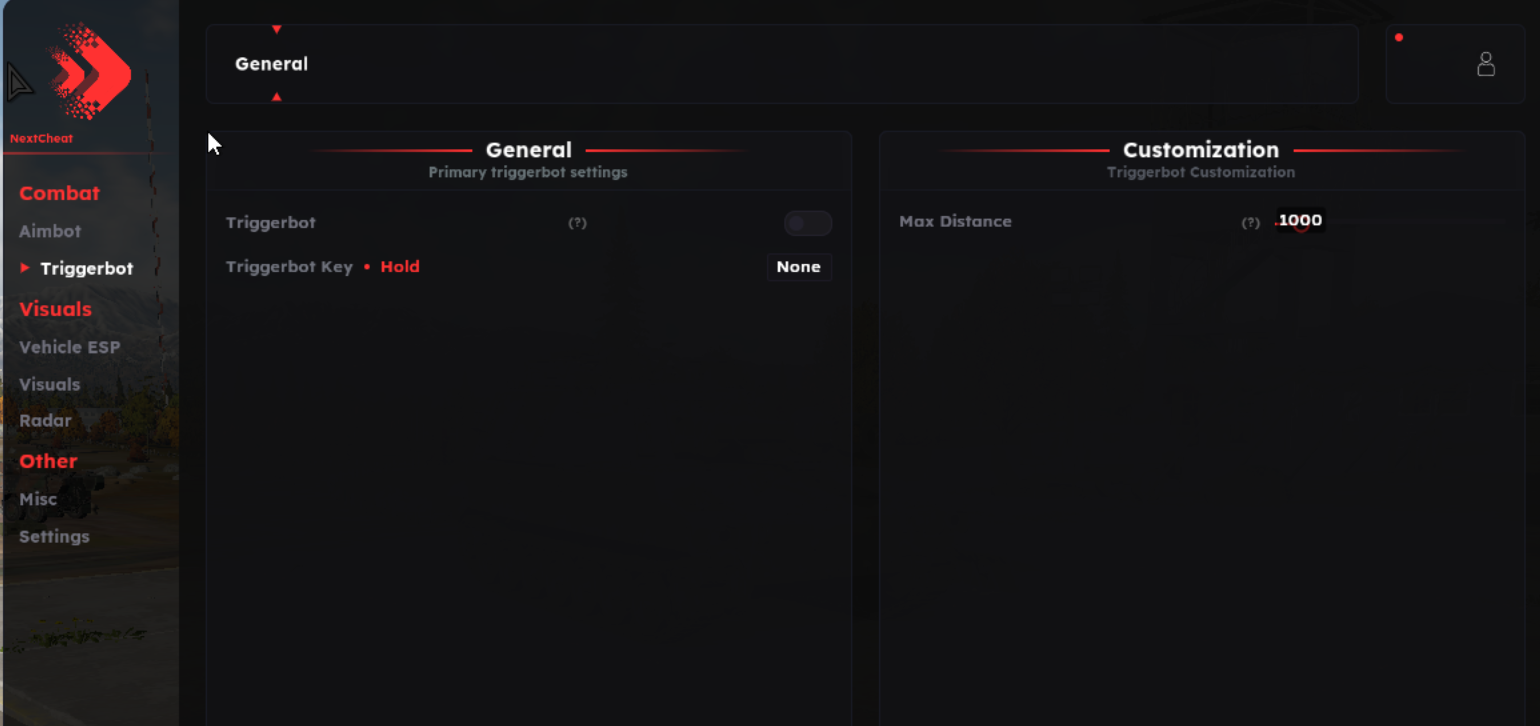
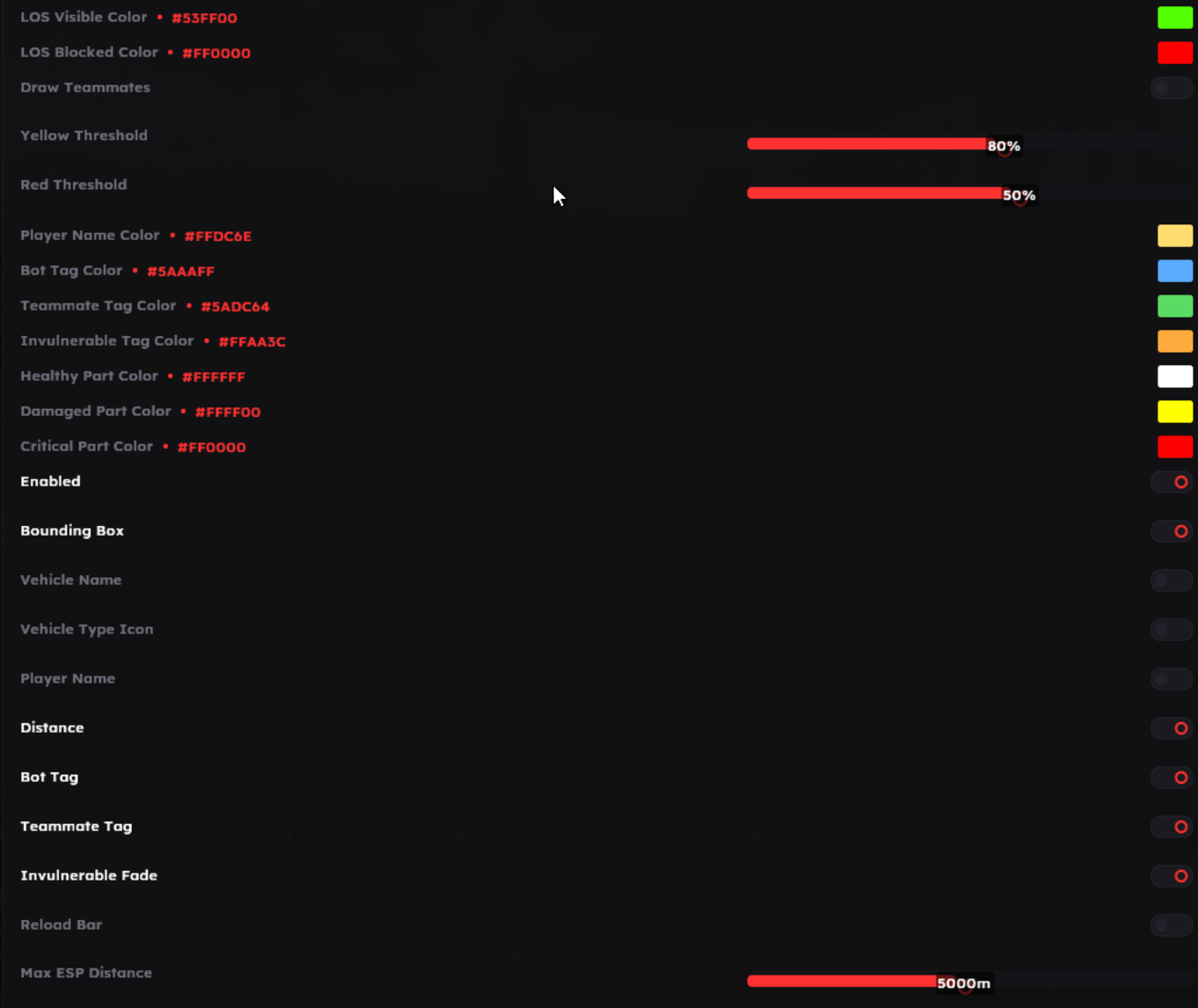
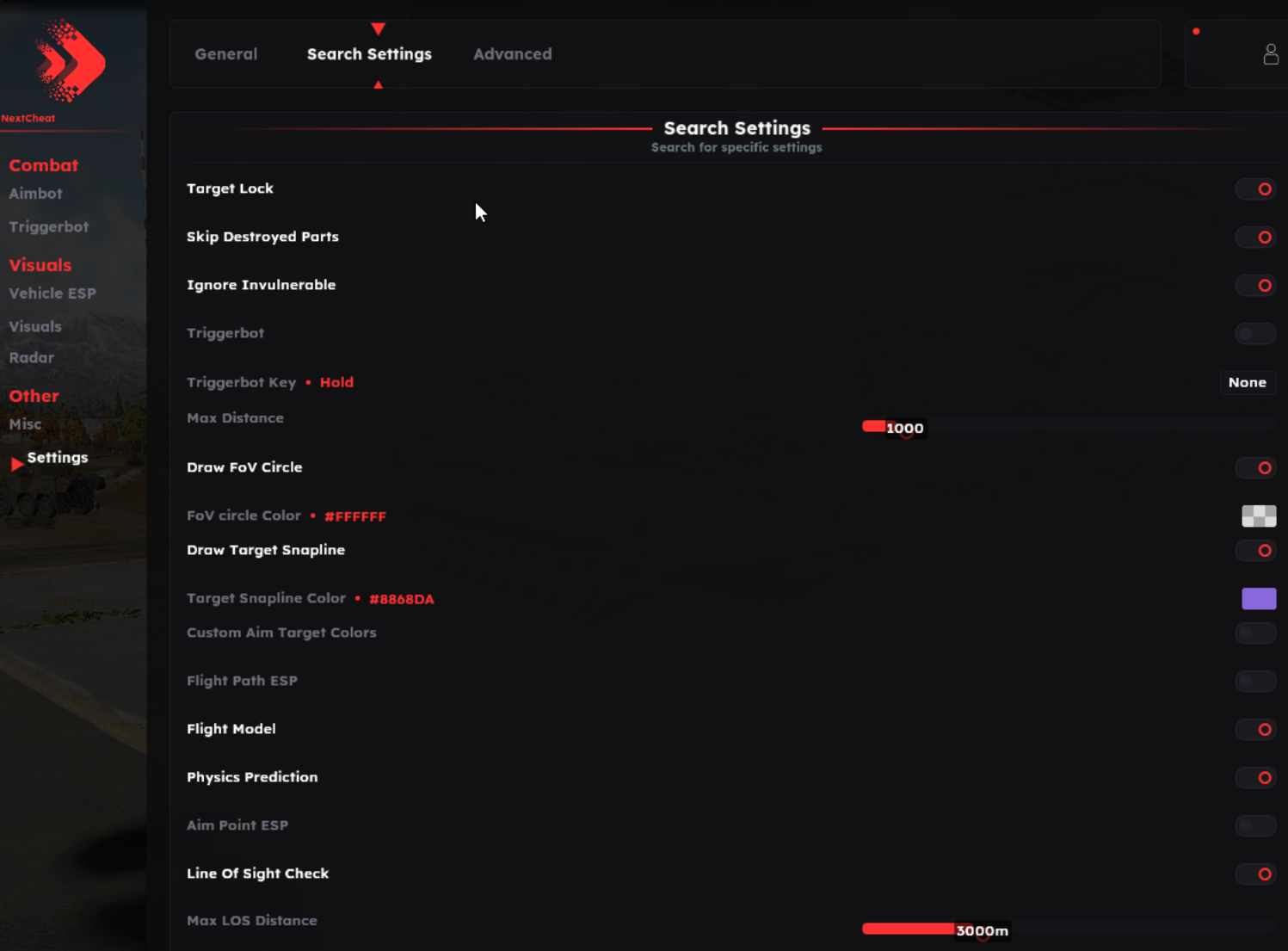
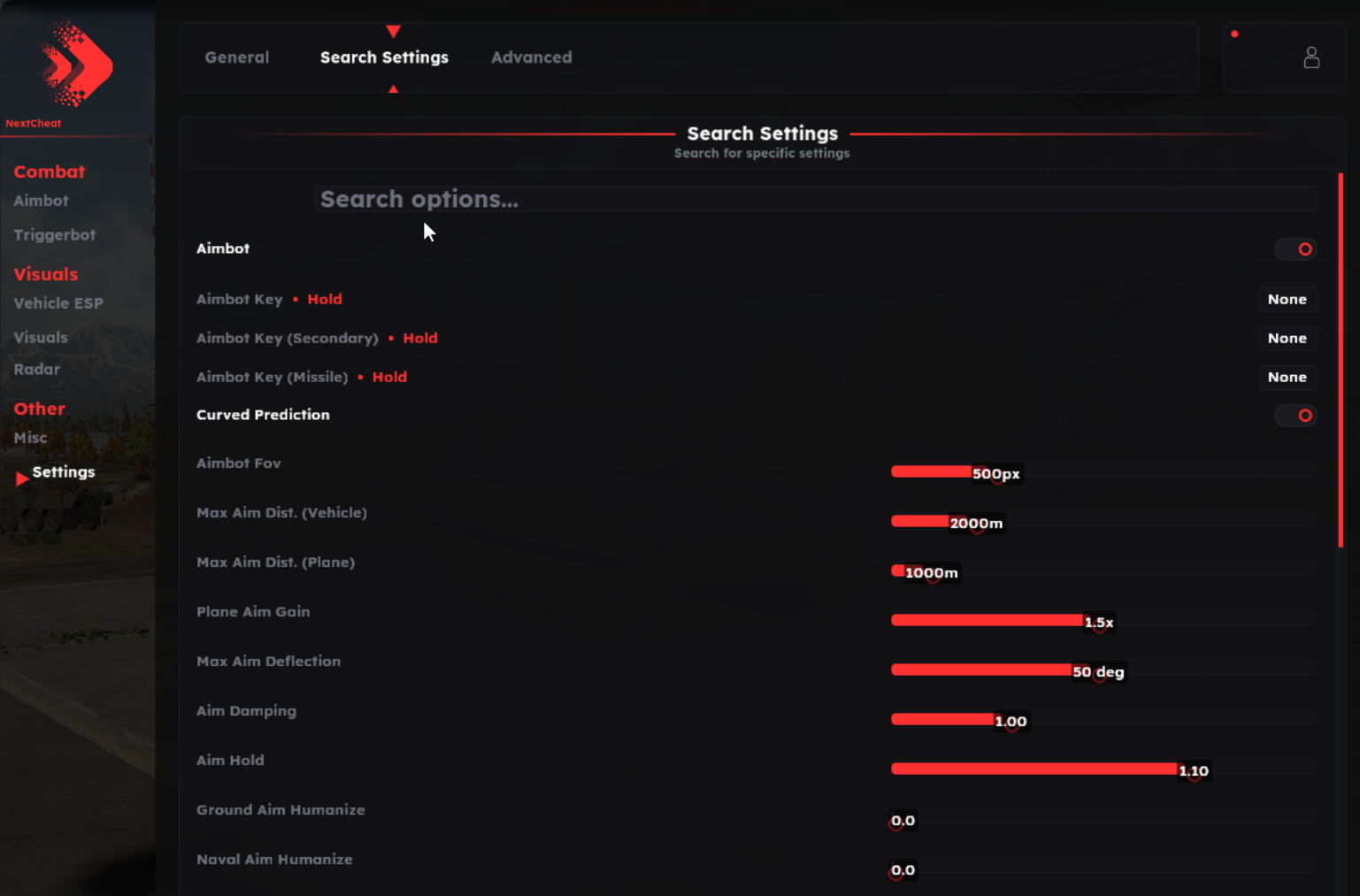
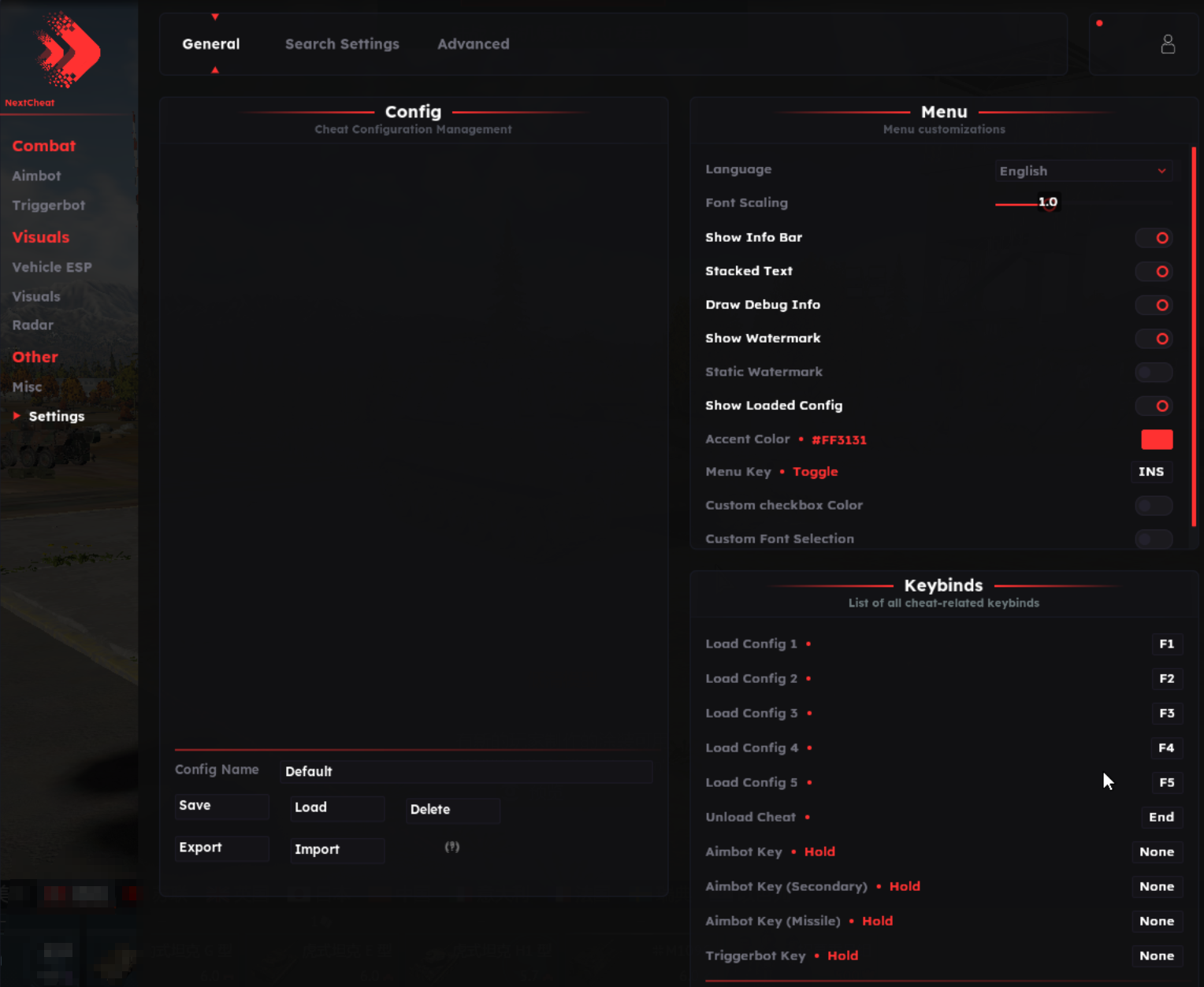
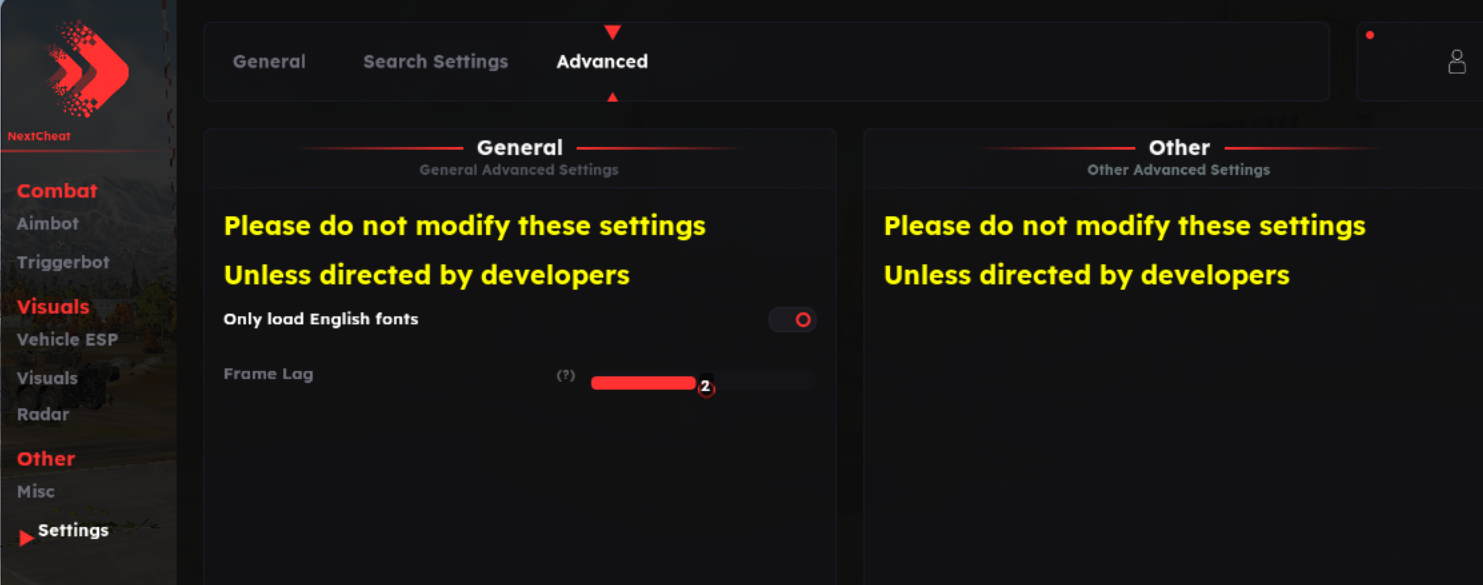
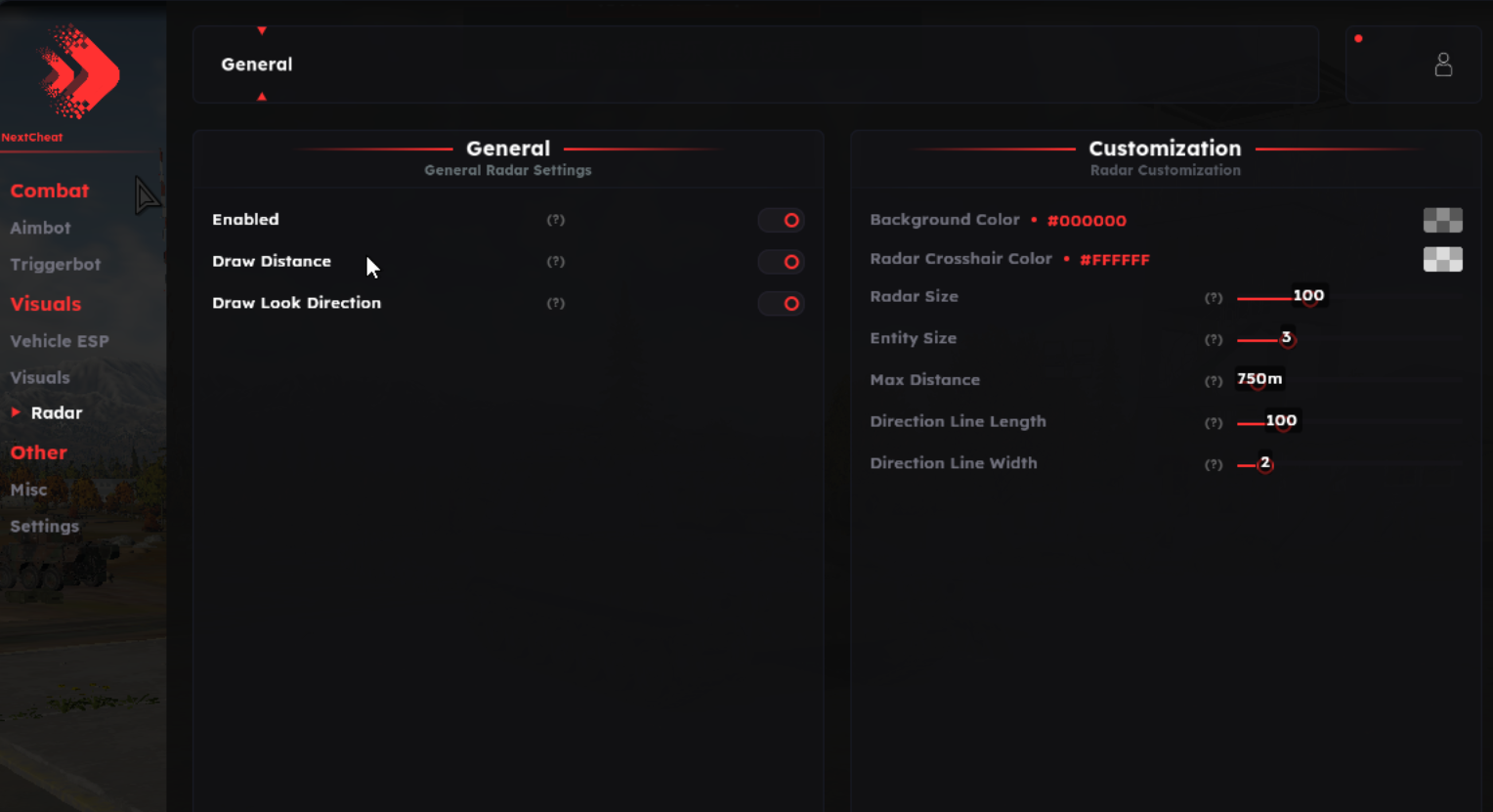
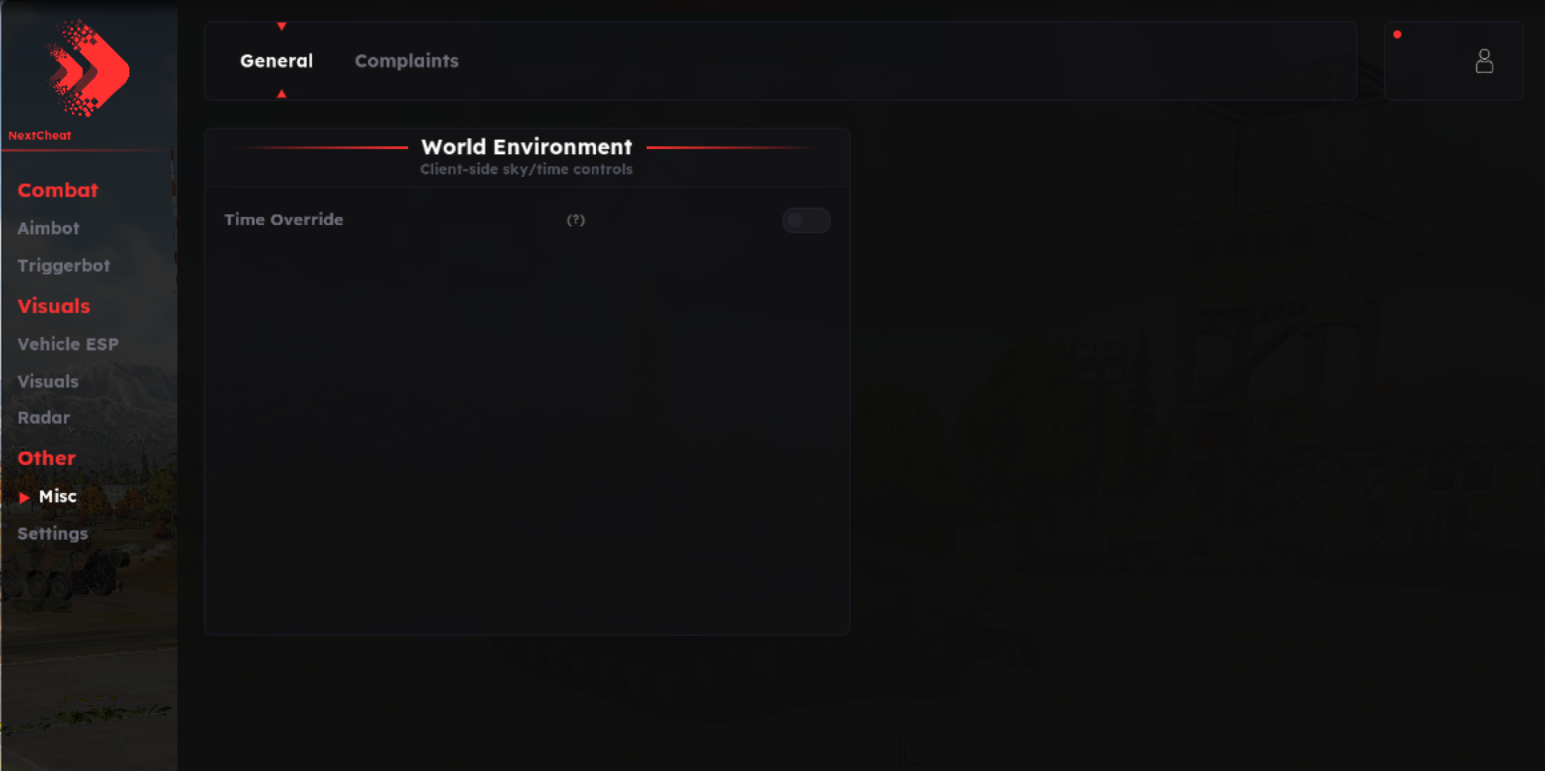
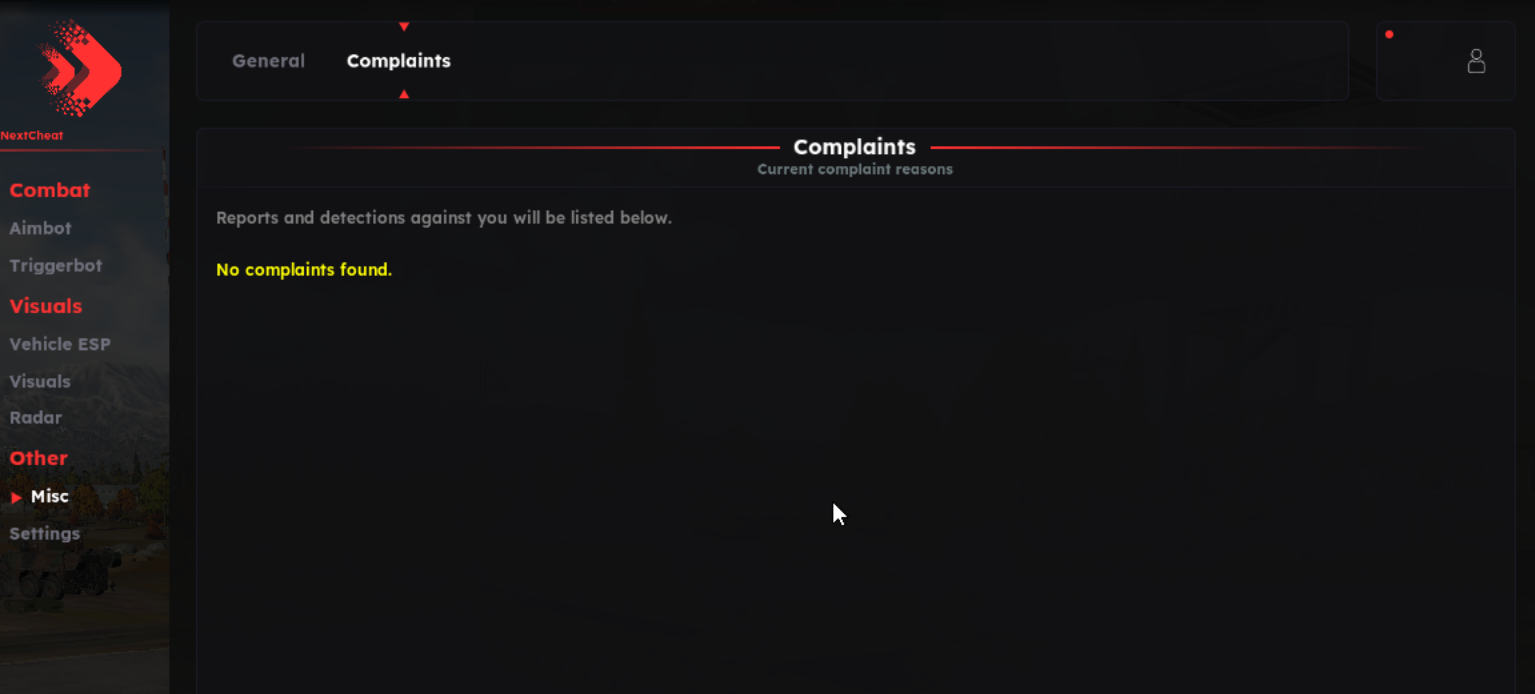
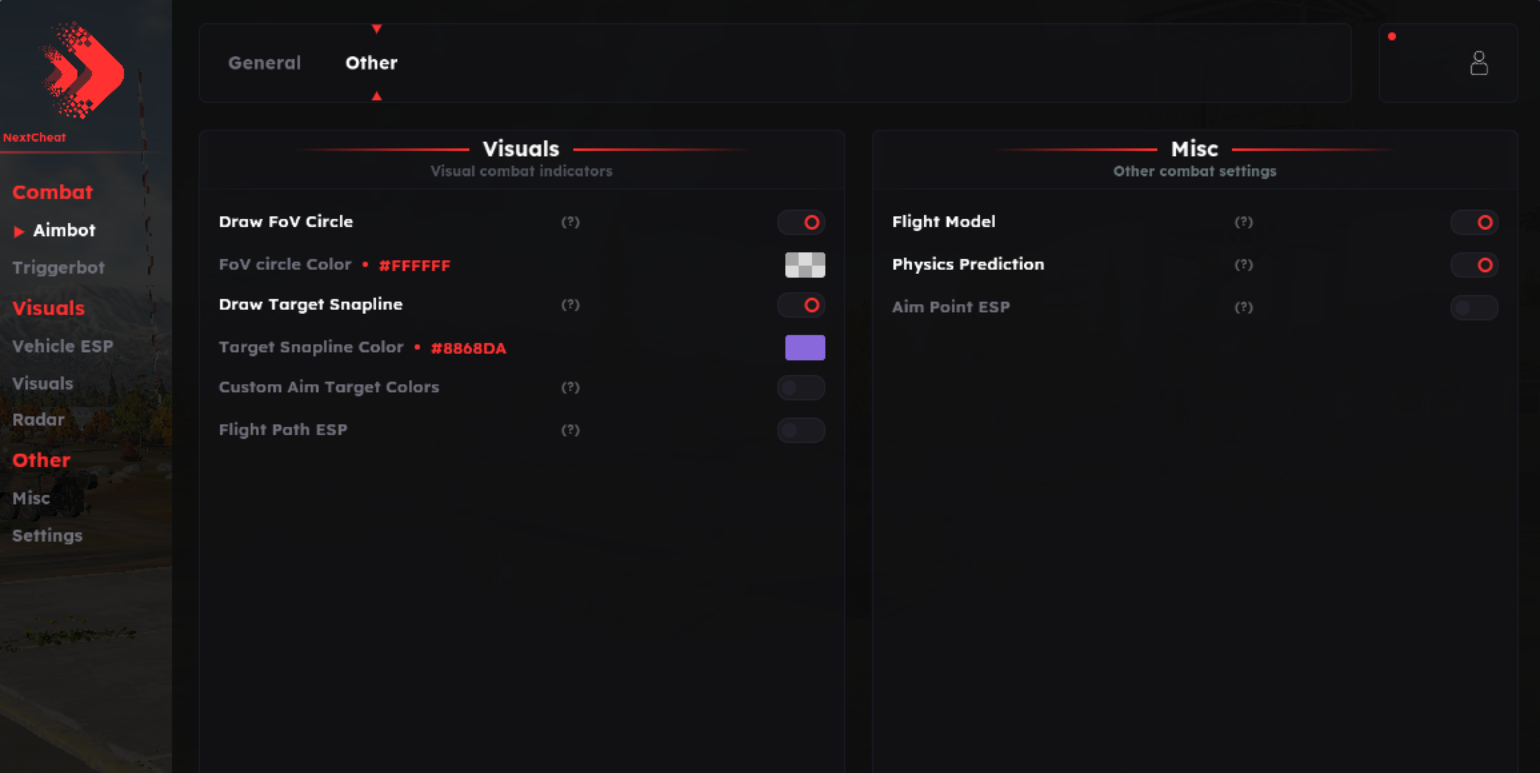
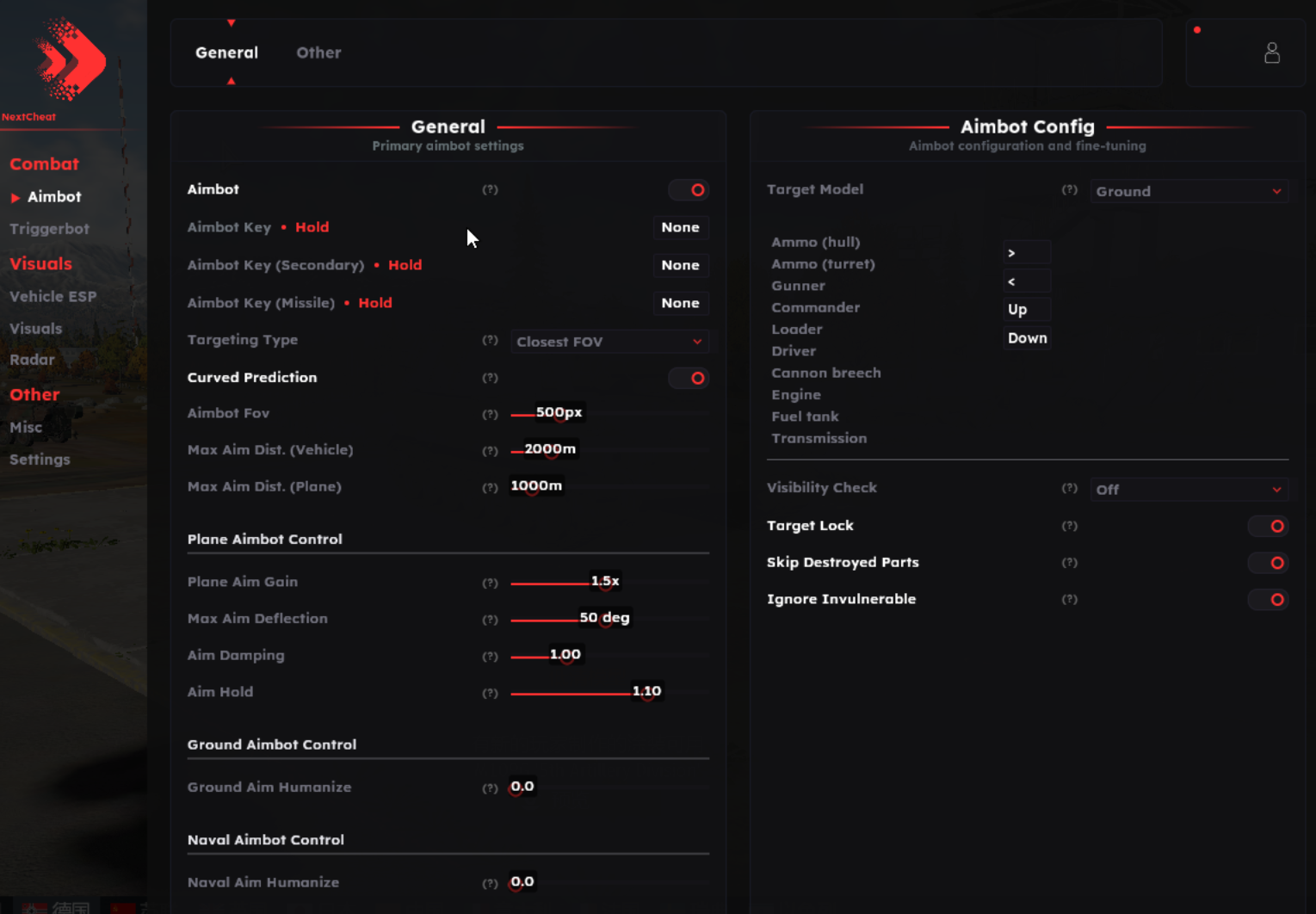
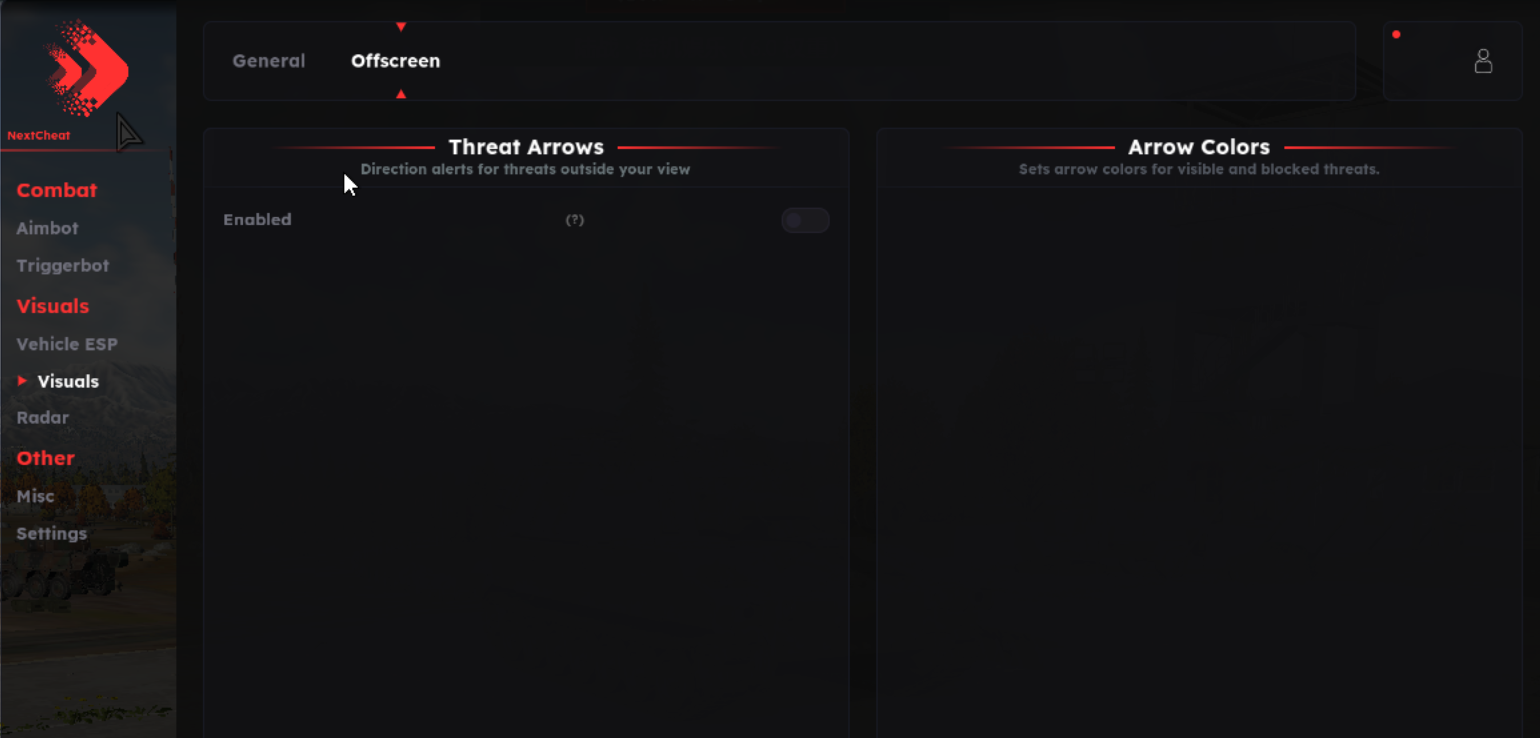
Configurable memory aimbot with separate weapon modes, projectile ballistics, live damage models, ground, air and naval vehicle ESP, threat warnings, radar and customizable visual tools.
Expand each category to view the complete feature set.
Listed anti-cheat bypass, spoofing, screenshot and alert features.
Memory aiming with target locking, weapon modes, class-based priorities and independent range controls.
Live vehicle-part geometry with health coloring and destroyed-part filtering.
Projectile calculations, curved flight-path prediction and adjustable plane nose tracking.
Muzzle-to-target visibility checks and shell-trajectory arc checks.
Ground vehicle labels, status flags, damage-model visuals and reload information.
Air vehicle tracking with names, distance, part-health visuals and customizable colors.
Naval vehicle markers, status tags, reload bars and live part-health coloring.
Projectile tracking, enemy aim-direction indicators, threat warnings and hit feedback.
360-degree vehicle radar with direction lines, distances and adjustable appearance.
Aim-point markers, flight paths, impact predictions and adjustable bullet tracers.
Configuration management, quick switching, localization, themes, fonts and rebindable controls.
Windows 10 / Windows 11
Intel / AMD
Run the loader as Administrator
Disable real-time protection before running the loader
Disabled in BIOS / UEFI
Memory Integrity disabled; restart after changing
Close and disable FACEIT Anti-Cheat and VALORANT Vanguard if installed
Load through the loader before launching War Thunder
War Thunder: Internal combines configurable memory aiming, projectile prediction, live damage-model visuals and dedicated ground, air and naval vehicle ESP. Radar, threat warnings, visual customization and configuration management are included.
Your product key is delivered by email after purchase. Download the loader using the setup guide and run it as Administrator. Open the Sign Up tab, enter your username, email, password and product key, then click Register. Keep your login details for future access.
Follow the setup guide before loading. Disable Windows Defender real-time protection, Secure Boot and Core Isolation / Memory Integrity. Restart after changing Memory Integrity. Close and disable conflicting FACEIT Anti-Cheat or VALORANT Vanguard components if installed. Defender may turn itself back on after a reboot, so check it again before running the loader.
Keep War Thunder closed. Log in to the loader, open the Injection tab and click Load. Wait for the three-second countdown and for the loader to close automatically, then launch War Thunder.
Use Products to view your purchased product and Redeem License Key to activate a new key when resubscribing. The Risk Status tab displays the loader's current status information, and Change Log lists developer updates.
If the menu loads incompletely, the supplied guide instructs you to press NUMPAD 3 in the game's main menu. For setup errors or crashes, open a ticket in ESHub Discord. For a BSOD report, follow the guide's kernel memory dump instructions and include the download link in your support ticket.