Jump to content
Having Trouble Paying? Click here to join the Discord, You can pay with Card, Paypal, Cashapp, Venmo, Zelle, Apple Pay! ×

Marvel Rivals: Internal
Undetected Cheat

ESHub provides premium undetected game softwares, DMA Hardware, ESP, Aimbot, and HWID spoofers for popular PC titles including Apex Legends, Arena Breakout Infinite, ARC Raiders, Escape from Tarkov, Fortnite, Rust, Rainbow Six Siege, and more. Our solutions are secure, frequently updated, and designed to stay undetected.
Explore All Softwares
50,000+ Keys DELIVERED
★★★★★ 4.9/5 FROM 500+ REVIEWS
Marvel Rivals: Internal

Product Images

Marvel Rivals: Internal

Marvel Rivals: Internal

  • Instant Delivery
  • Undetected
    Most Popular Internal Approved Feature Rich 2/5 Setup Difficulty
$4.99
MARVEL RIVALS

Marvel Rivals: Full

Configurable aiming, Magic Bullet, Triggerbot, player ESP, Chams & Glow and a skin changer for Marvel Rivals. Explore per-character targeting profiles, native controller support and customization options below.

PC / FULL
Controller supportAimbot, Magic Bullet & Triggerbot
Per-character configsIndividual targeting profiles
ESP & visualsPlayer information & glow
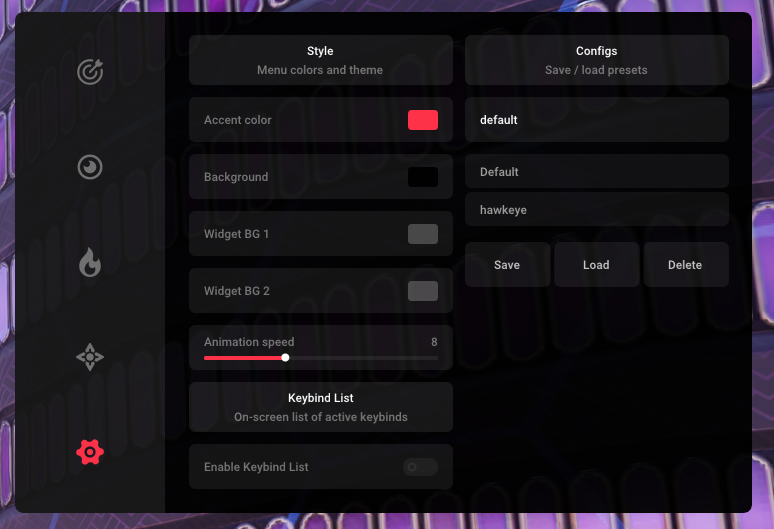
Config managementCreate, load, save & delete

Explore the features

8 categories / 67 listed options

Aimbot

Prediction, target selection and aiming controls.

15
  • Native Controller Support
  • Enable Aimbot
  • Aimbot Configs Per Character
  • Enable Prediction
  • Target Switch Delay
Show 10 more featuresShow fewer features
  • FOV
  • Enable Dead Zone
  • Dead Zone Radius
  • Horizontal Smoothing
  • Vertical Smoothing
  • Multi Target Priority
  • Multi Target Hitboxes (Head, Chest, Stomach, Arms, Legs, Other)
  • Visible Check
  • Ignore Invisible Targets
  • Aimbot Keybinds for Enemies

Magic Bullet

Targeting options, hitboxes and distance controls.

12
  • Native Controller Support
  • Enable Magic Bullet
  • Magic Bullet Configs Per Character
  • FOV
  • Enable Dead Zone
Show 7 more featuresShow fewer features
  • Dead Zone Radius
  • Multi Target Priority
  • Multi Target Hitboxes (Head, Chest, Stomach, Arms, Legs, Other)
  • Visible Check
  • Ignore Invisible Targets
  • Max Distance
  • Aimbot Keybinds for Enemies

Triggerbot

Prediction, shot timing and per-hitbox configuration.

16
  • Native Controller Support
  • Enable Trigger Bot
  • Triggerbot Configs Per Character
  • Enable Prediction
  • Prediction Strength
Show 11 more featuresShow fewer features
  • Shot Delay
  • Only Enemies
  • Ignore Invisible Targets
  • Head Scale
  • Chest Scale
  • Stomach Scale
  • Arms Scale
  • Legs Scale
  • Other Scale
  • Target Hitboxes (Head, Chest, Stomach, Arms, Legs, Other)
  • 2 Triggerbot Keybinds

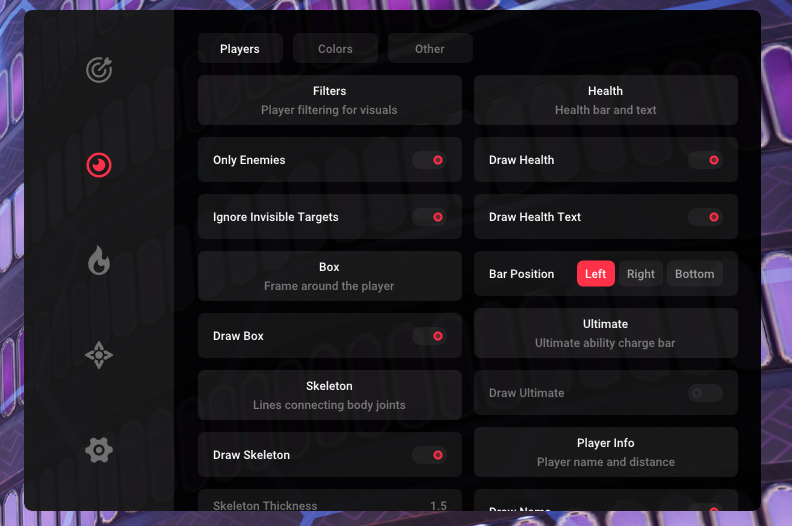
Visuals

Player information and customizable ESP.

7
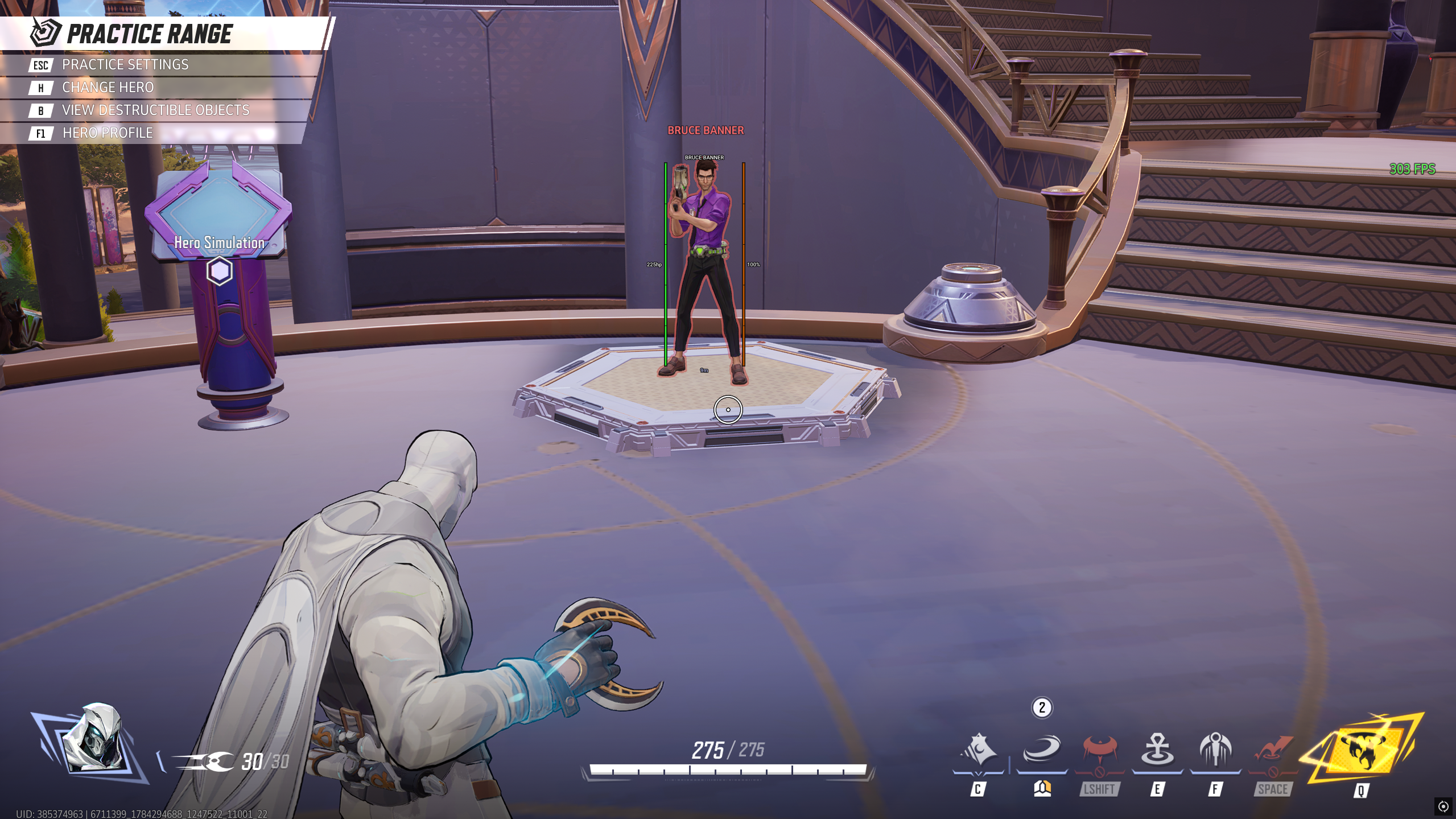
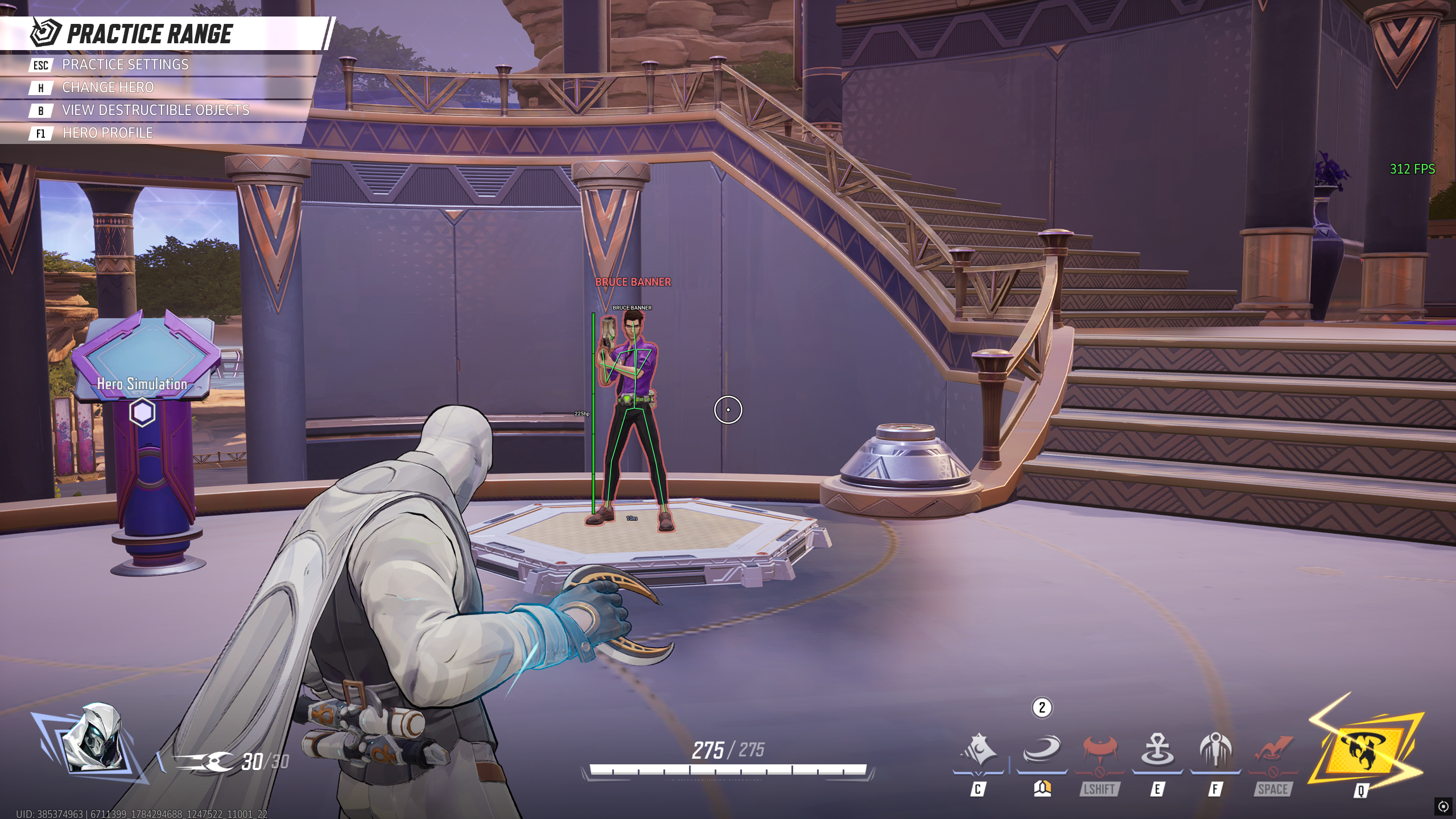
  • Box ESP
  • Skeleton ESP
  • Health Bar
  • Ultimate Bar
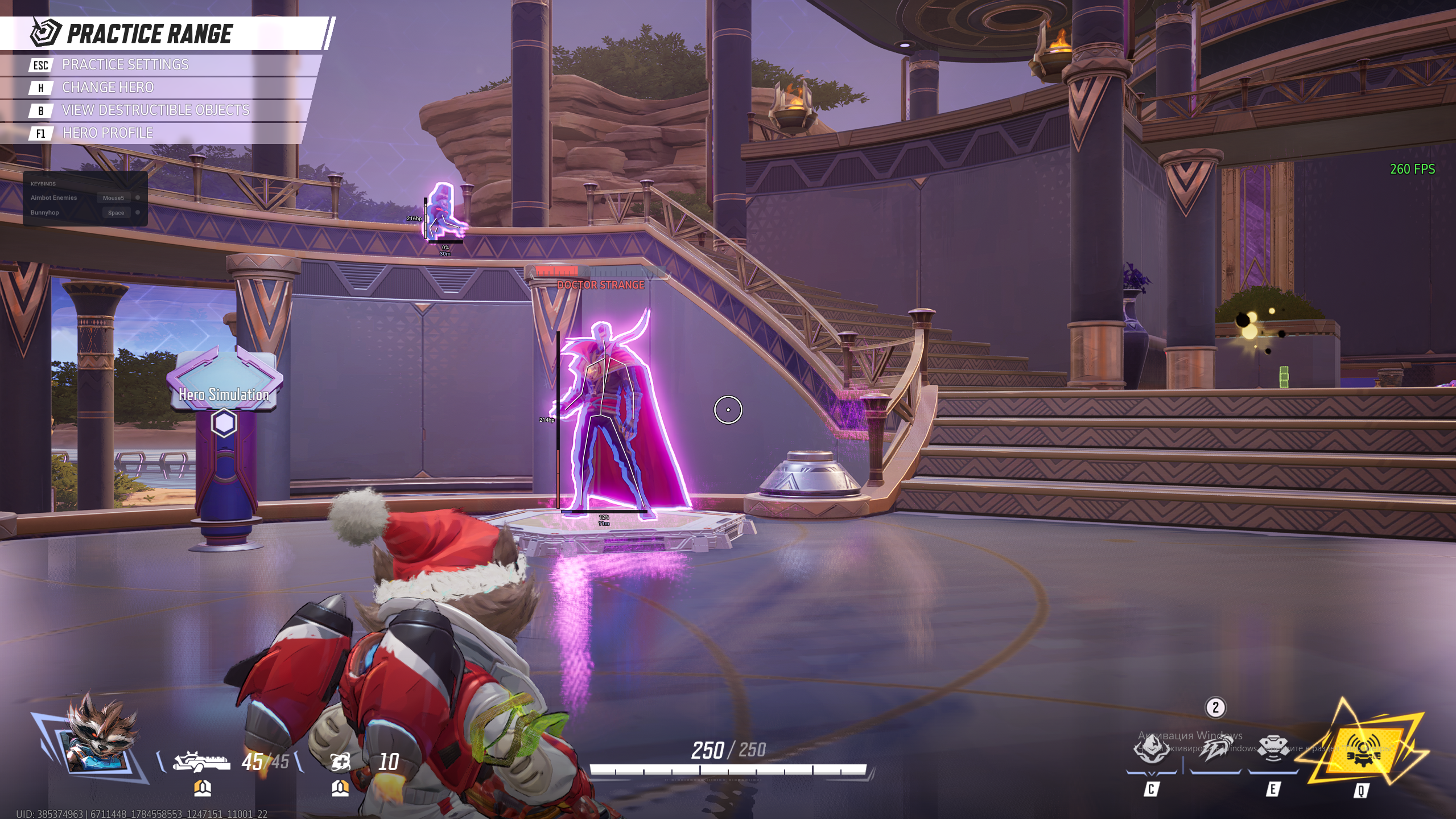
  • Name ESP
Show 2 more featuresShow fewer features
  • Distance ESP
  • Visuals Customization

Chams & Glow

Visibility colors and brightness adjustment.

4
  • Show Visible Only
  • Visible Color
  • Invisible Color
  • Brightness

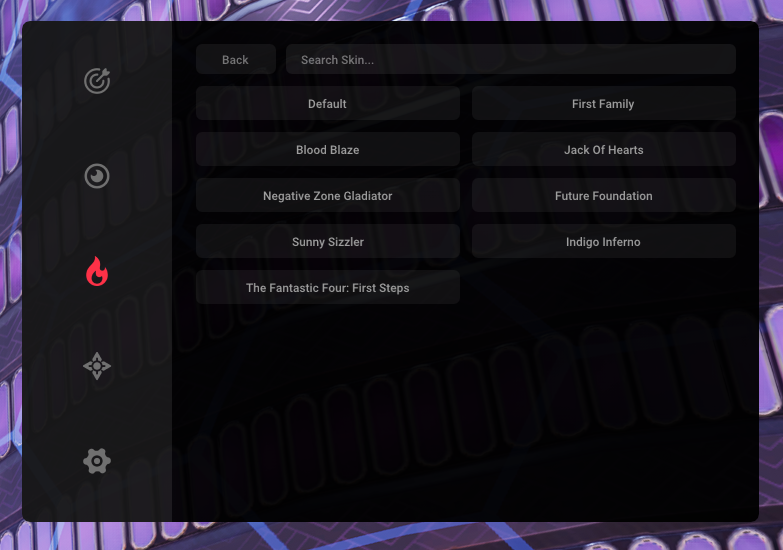
Skinchanger (SAFE)

Hero skin selection and search.

4
  • Enable Skin Changer
  • Hero Skin Selection
  • Skin Search
  • All Characters and Skins Available

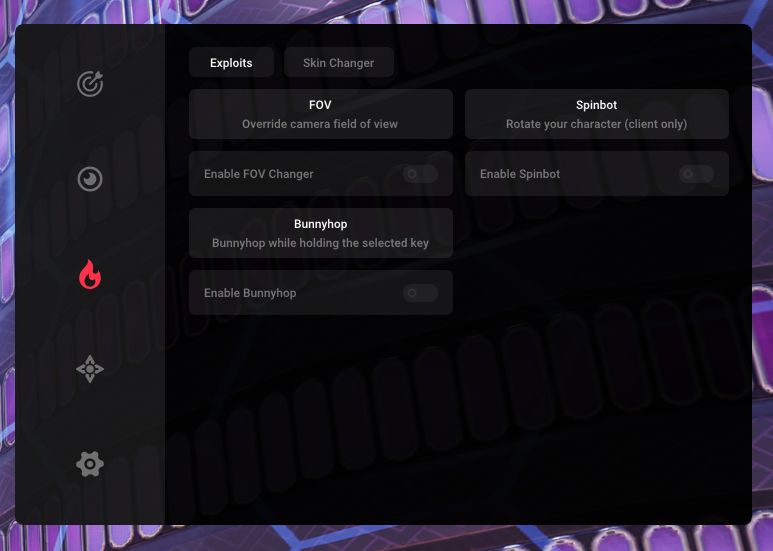
Misc

Movement, camera and menu settings.

5
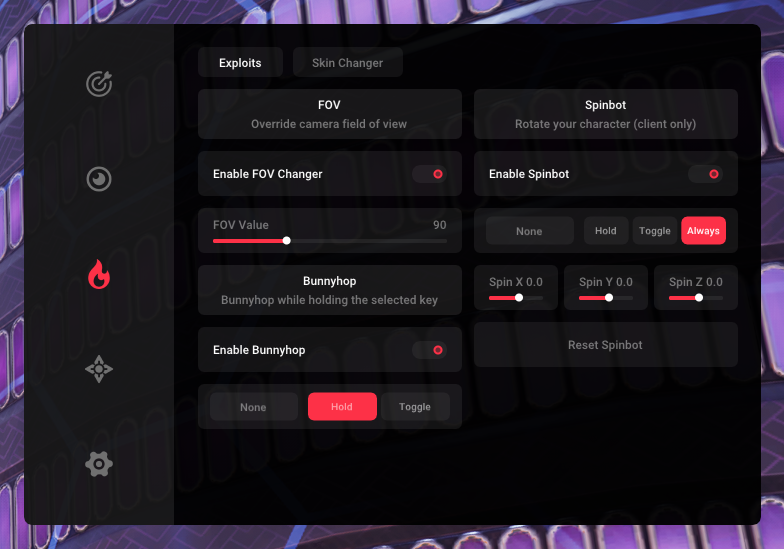
  • FOV Changer
  • Bunnyhop
  • Spinbot
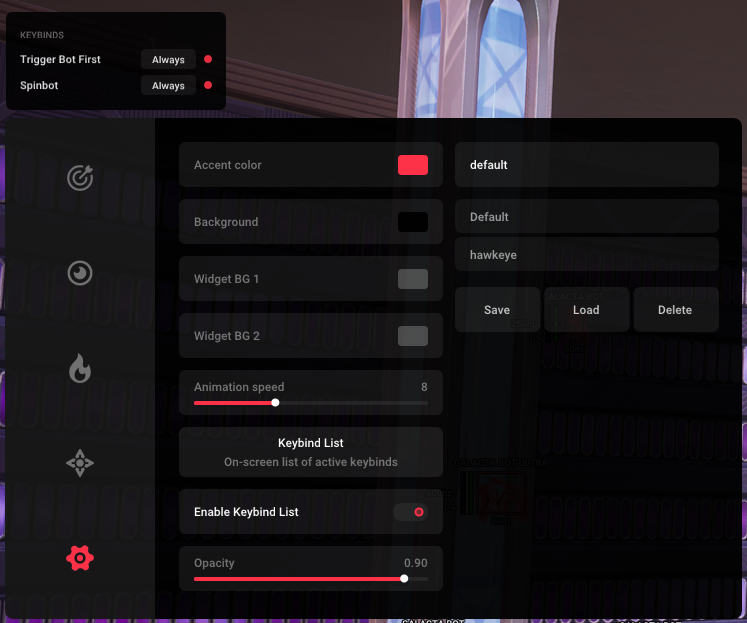
  • Keybind List
  • Menu Customization

Config

Create, save and switch your profiles.

4
  • Create Config
  • Load Config
  • Save Config
  • Delete Config

Before you start

5 preparation steps
Windows Defender

Use dControl to disable Windows Defender Real-Time Protection. Archive password: sordum. The guide says to check this before each launch because protection can reset after reboot.

Visual C++

Install Microsoft Visual C++ Redistributable 2015–2022: both x64 and x86 packages.

DirectX

Install the DirectX End-User Runtime.

Conflicting software

Fully uninstall FACEIT Anti-Cheat and any third-party antivirus, such as Avast, Kaspersky, McAfee, ESET or Bitdefender. Closing them is not enough.

Game graphics

Launch Marvel Rivals once without the software, set all graphics settings to Low, then close the game completely.

Before running the loader

Make sure both the game and its launcher are completely closed. Run the loader as Administrator and have your license key ready.

Launch & inject

3 steps

01 — Run the loader

With the game and launcher completely closed, run the loader as Administrator and enter your license key.

02 — Wait for the launch message

Wait until the loader displays: “Please Launch Marvel Rivals And Press F2 In Main Menu”.

03 — Launch Marvel Rivals & press F2

Launch the game, reach the main menu / lobby, then press F2. Wait 10–20 seconds for injection. Press Insert to open or close the menu.

Frequently asked questions

When should I press F2?

Wait for the loader’s launch message first. Then start Marvel Rivals and press F2 when you reach the main menu / lobby.

How do I open the menu?

Press Insert after injection has finished. The guide says to wait 10–20 seconds after pressing F2.

Why use Low graphics settings?

The guide recommends Low settings to improve stability and reduce crashes or freezes during injection.

ESP, Aimbot or the menu is not showing?

The full guide includes troubleshooting panels for missing ESP / Aimbot, F2 crashes or a missing menu, driver errors, and launch issues. Follow the panel matching your issue, or contact support through Discord or a support ticket.

×
×
  • Create New...